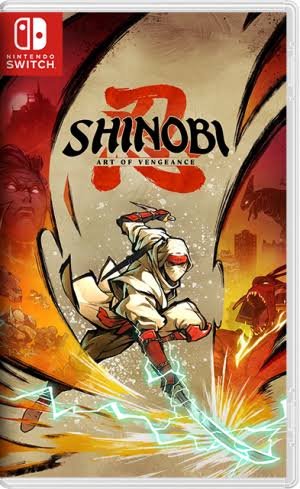
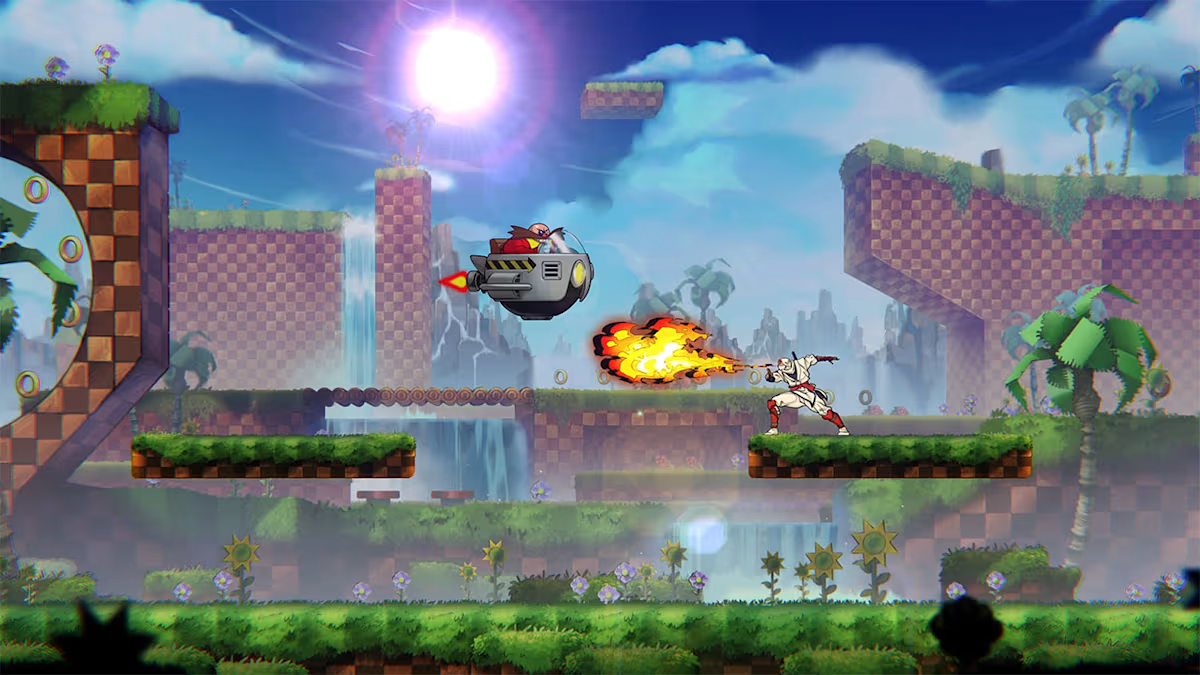
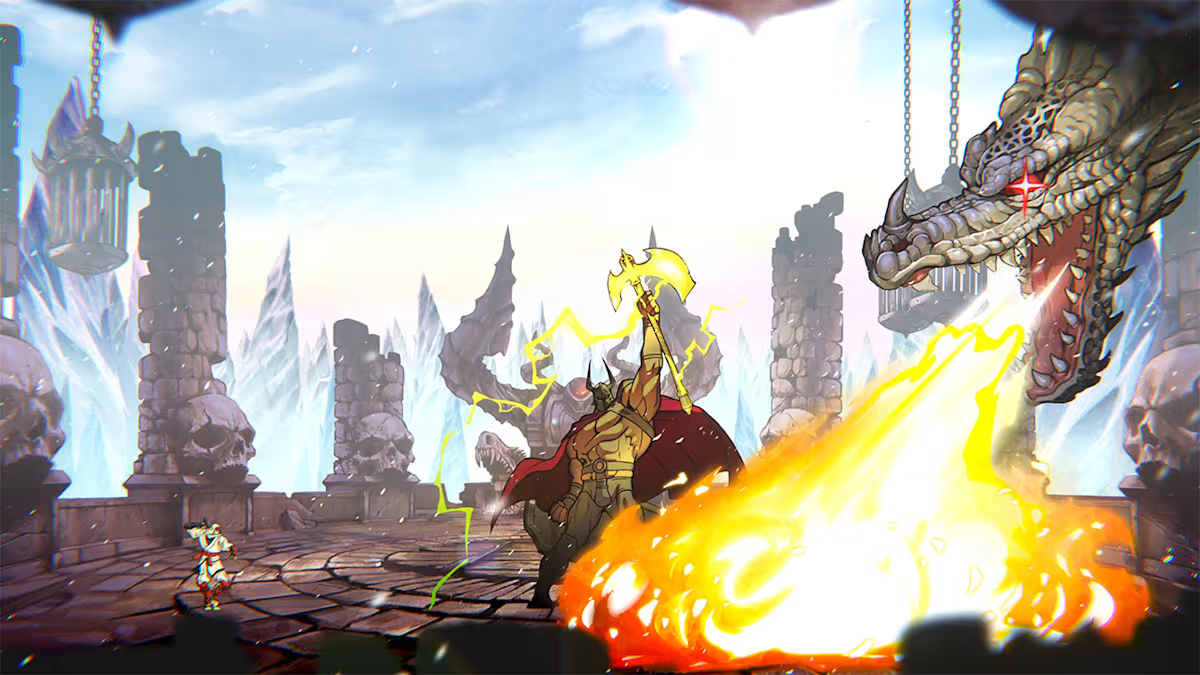
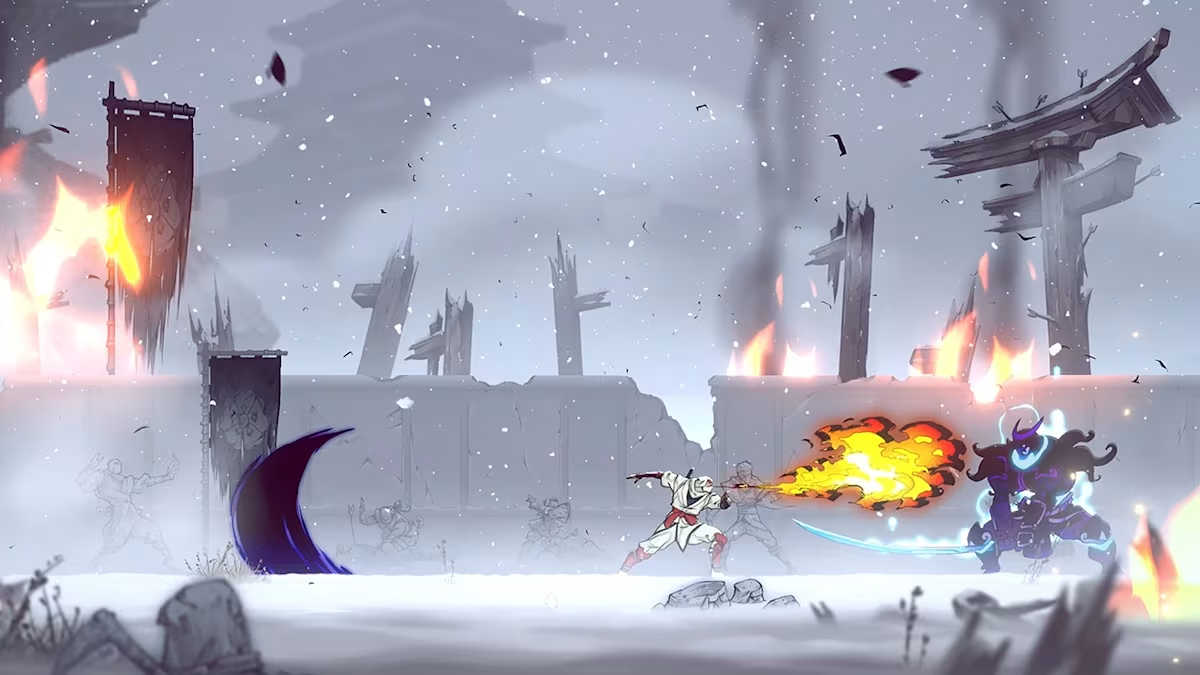
SHINOBI Art of Vengeance is a completely new perspective on the classic SHINOBI series. This 2D game seamlessly blends a modern art style with classic gameplay mechanics. You play as Joe Musashi, a legendary warrior whose village has been destroyed and his clan cursed, leading him on a quest for revenge against the dark forces that threaten his world. The game honors the series’ legacy while artistically blending swordplay, stealth, and magic, providing a fresh and enjoyable experience for modern players.
✔ 100% Clean Dump • No-Intro Verified
SHINOBI: Art of Vengeance Switch NSP Free Download
| Release Date | August 2025 |
| Developer | Lizardcube |
| Publisher | SEGA |
| File Format | NSP/XCI |
| File Size | 2.7 GB |
| Region / Language | English/French/German/Indonesian/Italian/Japanese/Portuguese/Russian/Spanish |
| Required Firmware | 20.3.0 |
| User Rating |
★
★
★
★
★
4.3 / 5.0
|
⚡ Direct High-Speed Download Mirrors
Fast CDN • 100% Virus-Free
Base Game (NSP/XCI)
Download (DataNodes)
Fast Server • 2.7 GB
v1.2+ Latest Update & DLC
Download (DataNodes) Update
Update File • 2.4 GB
Resume Supported • Fast DataNodes CDN • Yuzu, Ryujinx & Atmosphere CFW
In-Game HD Screenshots (3 Captures)


Game Description & Features
How to Install & Play on PC / Android / Nintendo Switch
STEP 01
Download Base & Update
Download the base game .NSP/.XCI and latest update file from above mirrors.
STEP 02
For Switch CFW (DBI MTP)
Connect Switch to PC via USB-C, launch DBI homebrew > Run MTP Responder, drag files into MicroSD Install.
STEP 03
For PC / Android Emulators
Open Ryujinx, Suyu, Sudachi or Yuzu. Ensure prod.keys and title.keys are updated, then load .NSP.
STEP 04
Install Update & Play
Install the update patch over the base game for 60FPS stability and latest content, then launch the game!
Frequently Asked Questions (FAQs)
How to install this NSP / XCI game on Nintendo Switch (Atmosphere CFW)?
Connect your Nintendo Switch running Atmosphere CFW to PC via USB-C cable. Launch DBI Homebrew and select "Run MTP Responder". Open "MicroSD install" drive on PC and drag-and-drop the downloaded .NSP/.XCI file. DBI will verify signatures and install the game icon straight onto your Switch home menu.
Can I play this ROM on PC & Android Emulators (Ryujinx / Sudachi / Suyu / Yuzu)?
Yes! You can play this ROM at 60FPS and 4K on PC or Android. Load the NSP/XCI into Ryujinx, Sudachi, or Suyu emulator. Ensure your emulator has updated prod.keys and title.keys matching firmware 20.3.0. You can also configure controller mapping in emulator settings.
Is the Game Update / DLC required to play the base game?
No, the base game is 100% playable on its own. However, downloading and installing the "Download (DataNodes) Update" is highly recommended because it includes official performance patches, bug fixes, 60FPS stability improvements, and unlocks bonus content.
What to do if the game shows a black screen or fails to boot?
A black screen usually indicates outdated prod.keys or firmware. Ensure your emulator or Atmosphere CFW has updated keys matching latest firmware (18.0.0+). In emulator settings, switch graphics backend from OpenGL to Vulkan for better compatibility.
What's your reaction?
Click any emoji to share your reaction with the community!
Love
0
Sad
0
Happy
0
Sleepy
0
Angry
0
Dead
0
Wink
0
User Reviews & Comments
💬 No comments yet on this ROM. Be the first to leave a feedback or ask an emulation question!